
Step 1
Describe or Upload
Describe the character or upload a reference of your original design.
Generate anime pin concepts that already respect manufacturing rules — chibi proportions, bold outlines, limited palettes — then export a factory-ready brief.
Design Anime Pins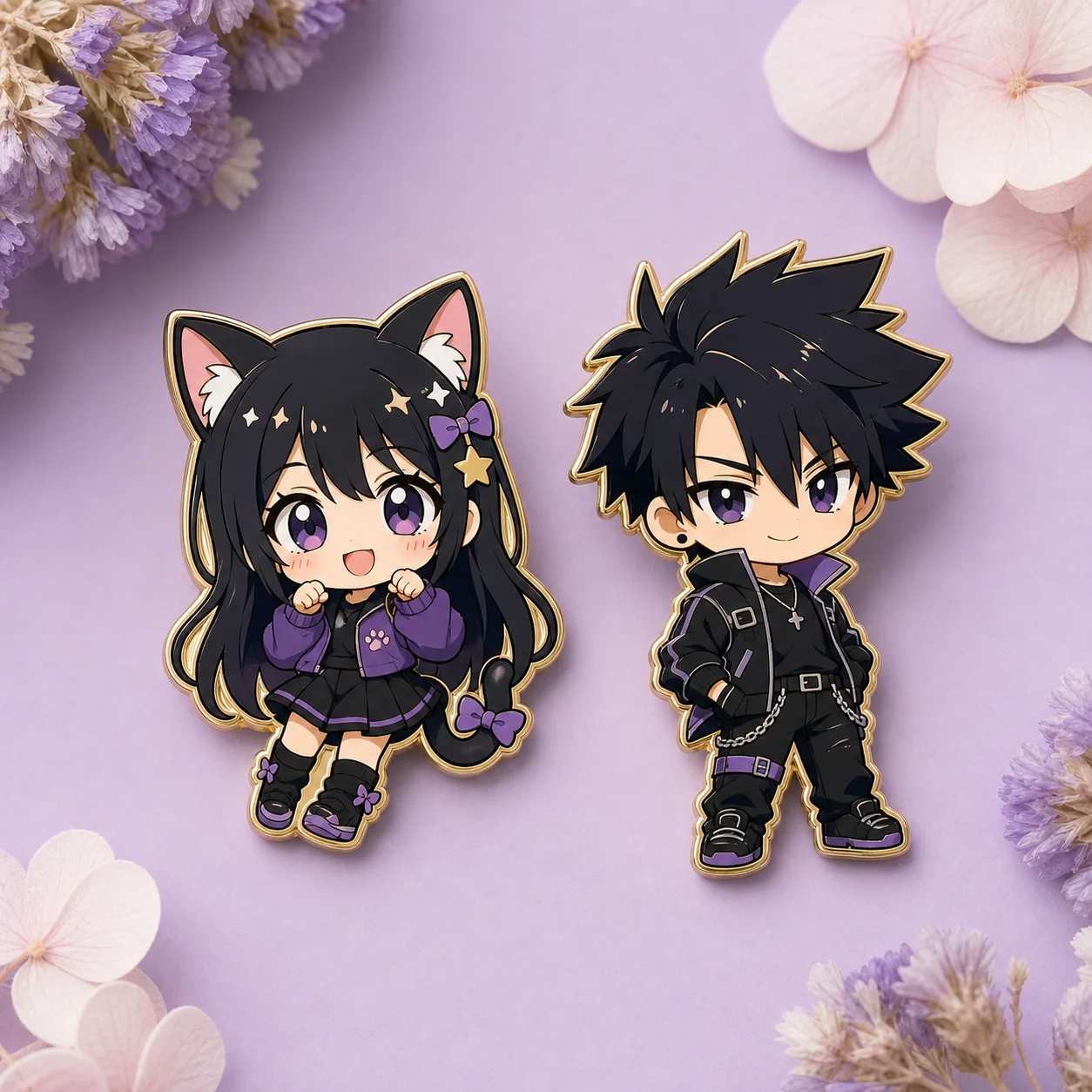
How it works
Step 1
Describe the character or upload a reference of your original design.
Step 2
Request the pin reduction: chibi proportions, bold outline, four to six flat colors, white background.
Step 3
Pick a finish direction — hard enamel for glossy flat, soft enamel for tactile depth.
Step 4
Review against factory rules: no gradients inside one cell, no floating elements, lines above 0.3mm at final size.
Step 5
Generate the series variants if you are planning a set — same palette, same outline weight.
Step 6
Export the concept with a quote-ready brief: size, plating, color codes, and backing style.
Why use it
Anime pins live or die on simplification: a design that looks great as a full illustration often fails as a 35mm pin — too many colors, lines too thin, silhouette unreadable. The AI Pin Maker anime pin workflow generates concepts that are born manufacturable: chibi proportions that survive shrinking, bold outlines above minimum die-strike width, and palettes capped at the four to six enamel colors a factory can quote cleanly.
It serves both directions of the anime merch pipeline. Designers with an existing character feed it through image-to-image to get the pin-ready chibi reduction. Creators starting from nothing describe the character in a sentence and iterate on generated concepts until one earns a production brief.
FAQ
Yes — upload your art as a reference and the workflow produces the pin-ready reduction: chibi proportions, simplified palette, bold outlines. Identity stays recognizable through the simplification.
Protected characters from existing franchises are rejected. The workflow is for original characters and original designs in anime style — what you can lawfully manufacture and sell.
Size, plating finish, enamel type (hard or soft), color count with code references, outline notes, and backing style — the details a manufacturer needs to quote without back-and-forth.
Directly — the ita bag design workflow consumes the same concepts. Generate the series here, then place them in a bag layout to check color balance before committing to production.
Keep Exploring