
Enamel Pins
Hard or soft enamel designs with bold outlines, flat fills, and high-contrast color areas. Perfect for Etsy shops, convention giveaways, and collector drops.
AI Pin Maker lets you create enamel pins, lapel pins, sticker pins, and button pins with AI in seconds — free to try, no account required.
Try AI Pin Maker Free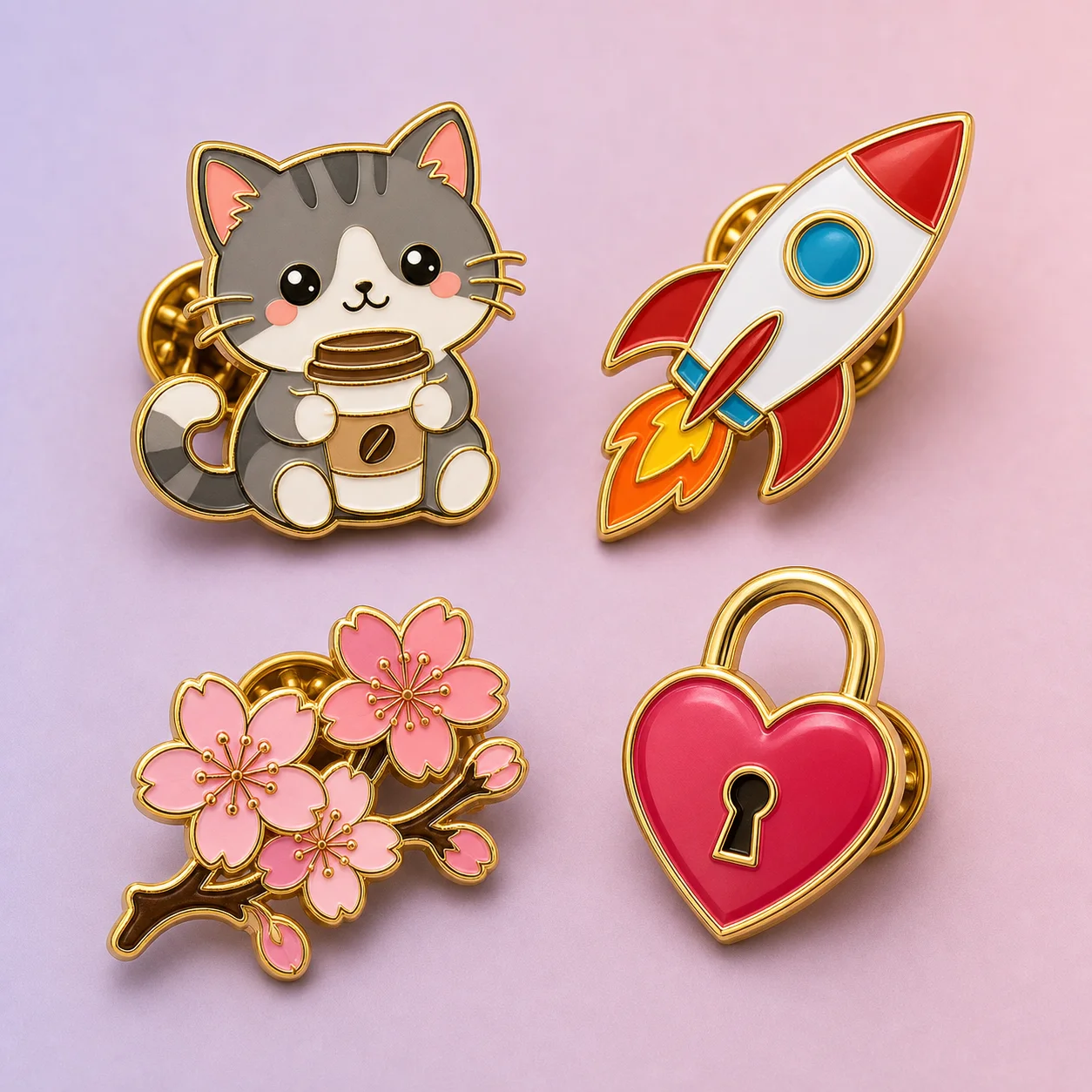
Pin Types
Hard or soft enamel designs with bold outlines, flat fills, and high-contrast color areas. Perfect for Etsy shops, convention giveaways, and collector drops.
Professional logo-style pins for brand merchandise, corporate events, employee recognition, and club membership.
Printed-style designs with illustrated or photo-realistic artwork, ideal for sticker-style aesthetic pins.
Round badge-style pins for events, campaigns, fan merch, and political or social causes.
How it works
Step 1
Type a short prompt like "kawaii cat holding a coffee cup" or "retro space rocket on a dark background".
Step 2
Enamel, lapel, sticker, or button pin layout.
Step 3
AI produces multiple concepts in under 30 seconds.
Step 4
Select the one you like and adjust colors, shapes, or style.
Step 5
Download your design file ready for print or manufacturing handoff.
Why use it
Traditional pin design takes hours with Illustrator. AI Pin Maker generates concepts in seconds, letting you explore dozens of ideas before committing.
You do not need to know vector design or color theory. Type what you want, and the AI handles the visual translation.
Hate the first result? Regenerate or tweak the prompt in one click. Explore color variants, styles, and layouts without starting from scratch.
Designs come out with clean edges and solid fills that work directly with enamel pin manufacturers, sticker printers, and badge makers.
New users get free credits to generate and download designs. No credit card required to try.
FAQ
Yes. New users receive free credits to generate and download pin designs without paying. Credits cover several full design sessions. When free credits run out, paid plans start at a low monthly rate. You can try every feature — generation, style selection, and export — before spending anything.
No sign-up is required to see a demo generation. To download your design or save your work, you create a free account in under a minute with just an email address. There is no credit card prompt at registration.
Exported designs are available as high-resolution PNG for visual reference and as vector-compatible SVG for manufacturer handoff. PNG files are print-ready at standard pin sizes from 25 mm to 50 mm. SVG exports preserve clean outlines that enamel pin suppliers need to build a mold.
The default export covers common pin sizes: 25 mm, 30 mm, 38 mm, and 50 mm diameter or width. Custom dimension exports are available on paid plans. All exports are scaled to 300 dpi equivalent so they print or manufacture at full sharpness.
Yes. Designs you generate with AI Pin Maker belong to you. You can use them for commercial products, sell pins on Etsy or Shopify, or hand the files directly to a manufacturer. No royalties or licensing fees apply to generated designs.
Yes. When you select the enamel pin type, you can choose a hard enamel visual style — flat polished fills with clean metal dividers — or a soft enamel style with raised metal lines and slightly recessed color areas. The generated artwork is optimized for whichever process you pick.
Yes. After generation you can adjust the color palette, swap background styles, change the pin shape (round, square, die-cut), and regenerate elements. Major structural changes are best done by editing the prompt and regenerating. The tool is designed for fast iteration, not pixel-level editing.
The export includes a production-ready file and a short manufacturing checklist. For a complete supplier brief — including MOQ, plating choices, backing types, and sample approval steps — see our full enamel pin production guide.