Free AI Baby Generator — Future Baby Portraits from Parent Photos
AI baby photo album is a generative service that turns 3 to 6 real baby photos into a milestone-style keepsake using identity-consistent multi-pose generation, so every page keeps the same child across newborn, 3-month, 6-month, and first-birthday looks without re-shoots or new studio sessions. Each finished album spends roughly 18 credits and is ready in under 4 minutes, with prompt presets covering studio portraits, outdoor seasonal scenes, costume themes, and shareable square crops sized for Instagram and printable photo books. Unlike generic face swaps, the pipeline locks identity features from a few real photos, then re-poses the same baby into curated milestone scenes, which keeps the same child recognisable across every keepsake page — relevant context given the U.S. Centers for Disease Control logs roughly 3.6 million live births each year, the same parents who later shop milestone keepsakes ( CDC NCHS Births FastStats ). Top up credits anytime to extend the same baby into new ages, gifts, and limited-run printed books.
Upload 3 to 6 clear baby photos, pick a milestone preset such as newborn studio, 3-month outdoor, 6-month seasonal, or first-birthday cake smash, then let the identity-lock pipeline fix facial features and rebuild the baby into each chosen scene. The full album typically renders in under 4 minutes, costs about 18 credits, and arrives as high-resolution downloads sized for Instagram squares and printable photo books.
The pipeline chains a Seedream 4.5 photographic backbone for skin tones and lighting fidelity with an identity-conditioning module that anchors eye color, head shape, and ear position from your reference photos. A multi-pose sampler then re-poses the same baby across each milestone preset, while a Wan 2.7 illustration model handles costume-themed pages such as fairytale or astronaut without breaking likeness.
AI Album / Baby Portraits
Powered by advanced AI, upload a clear photo of each parent to generate gentle, realistic future-baby portraits in minutes. Uploaded photos are cleared within 24 hours.
Pick the look for this 4-image baby portrait pack.
Add one clear front-facing photo for each parent.
Will generate 4 baby portraits
Upload a photo to estimate credits
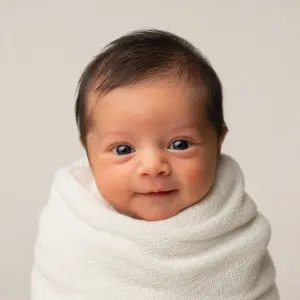
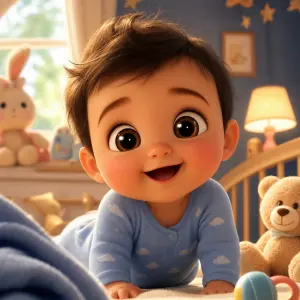
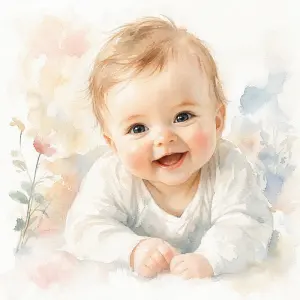
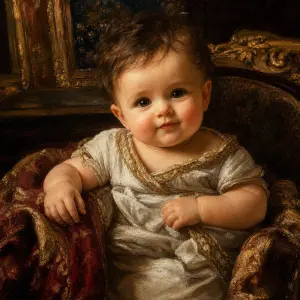
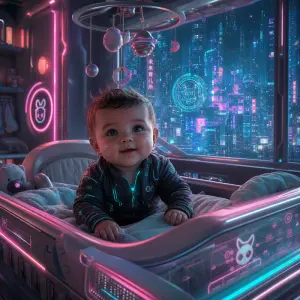
Choose a portrait style
Pick realistic, cartoon, watercolor, oil painting and more — this sets the look of your baby portraits.
Upload both parents’ photos
Add a clear front-facing photo of each parent; the model blends their features into the future baby.
Generate and download
We create a 4-photo pack in minutes. Preview, then download the ones you love.
