
Step 1
Describe the character
Describe the character in one sentence: hair, eyes, outfit, mood, and the art direction.
Generate anime characters and scenes from a one-line prompt with Seedream 4.5 and Wan routes, then carry the result into pins, ita bag layouts, or animated clips.
Generate Anime Art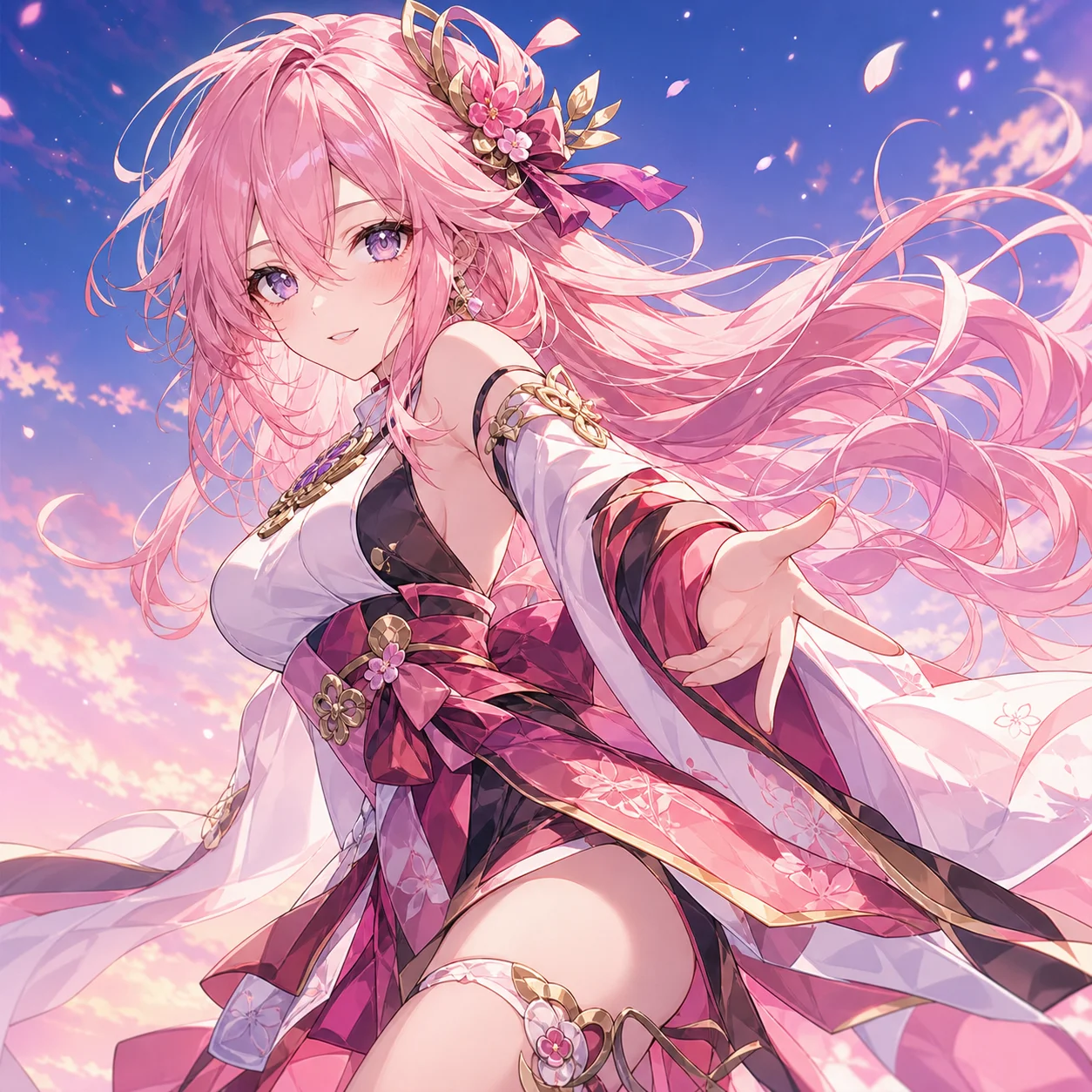
How it works
Step 1
Describe the character in one sentence: hair, eyes, outfit, mood, and the art direction.
Step 2
Pick the style anchor: modern digital anime, 90s cel, watercolor soft, or chibi.
Step 3
Generate three to six variations and select the design that reads best at a glance.
Step 4
Lock identity with image-to-image: keep the character, change pose, outfit, or scene.
Step 5
Branch into products — chibi pin concept, sticker sheet, or an animated clip.
Step 6
Export print-ready PNG or hand the pin concept to the production brief workflow.
Why use it
The AI Pin Maker anime workflow generates original anime characters and scenes from text prompts, with model routes tuned for the style: Seedream 4.5 leads on modern anime and chibi rendering, Wan 2.7 and Wan 2.6 carry painterly and retro directions, and Gemini 3 Pro handles illustrative hybrids.
What makes it different from a generic image generator is the pipeline around the art. A finished character flows directly into the platform's other workflows: chibi variants become enamel pin concepts with manufacturing-ready briefs, sticker sets feed ita bag layouts, and approved stills animate into short clips with Wan i2v routes that hold anime linework in motion.
FAQ
Yes — generate the design once, then use image-to-image with the approved still as the anchor. Identity stays locked while pose, outfit, and scene change per prompt.
Seedream 4.5 is the default for modern anime and chibi. Wan routes carry painterly, retro, and atmospheric directions. Try both on the same prompt — the contrast usually makes the choice obvious.
That is the platform's signature path: generate the character, request a chibi pin variant with bold outlines and limited colors, and export a manufacturing-ready concept for the pin production workflow.
Yes — approved stills feed the image-to-video workflow. Wan 2.6 i2v routes hold anime linework and palette in motion better than generic video models.
Keep Exploring