AI Album / Pet Portraits
Powered by advanced AI, upload one clear pet photo to generate portraits in royal-oil, studio, fairy-tale and more styles. Uploaded photos are cleared within 24 hours.
Pick the look for this 4-image pet portrait pack.
Start with a clear front-facing pet photo. Add owner material if you want a shared portrait.
Will generate 4 pet portraits
Upload a photo to estimate credits
AI Pet Portrait Generator — Pet Albums in Six Styles
An AI pet portrait album is a credit-based generator that turns 1 reference photo of your cat, dog, or small animal into a themed set of 8 cinematic, print-ready portraits, using animal-anatomy and breed-conditioning models tuned to preserve fur texture, eye color, whisker direction, and silhouette across multiple poses and lighting setups. Unlike generic stylization filters, it is built for two specific niches: memorial portraits that honor a pet you have lost, and pet-merch design for stickers, enamel pins, mugs, framed prints, and on-demand storefronts where likeness must stay consistent enough to print and resell. According to the Pinterest Predicts trend report , pet-themed personalized merch keeps climbing year over year as a top consumer search-and-shop category. Spend a few credits, generate a full HD album in minutes, and unlock high-resolution print-ready downloads with a single click for any platform.
Upload one clear reference photo of your cat, dog, or small animal, pick a theme such as memorial portrait, royal renaissance, or sticker-ready vector, and the pipeline returns a set of 8 cinematic, print-ready portraits in minutes. Likeness is locked from the reference before any restyling, so fur color, eye markings, and silhouette stay consistent across every pose, lighting setup, and downstream print product.
The album chains an animal-anatomy diffusion backbone with a breed-conditioning module trained to preserve whisker direction, ear shape, and coat texture without sliding into a generic feline or canine average. A separate memorialization head shifts lighting and palette for tribute portraits, while a vector head simplifies outputs into thick-outline stickers and pin-ready art for on-demand merch storefronts.
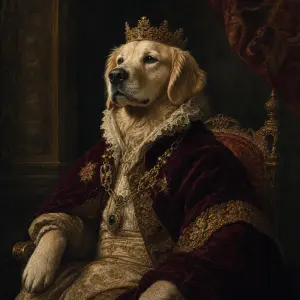
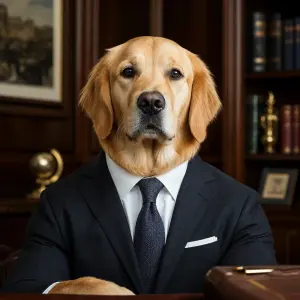
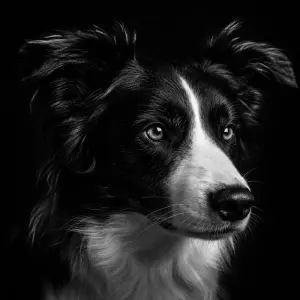
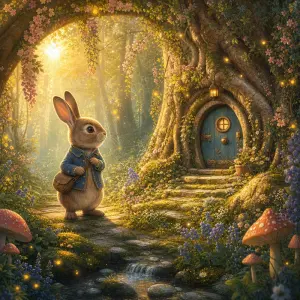
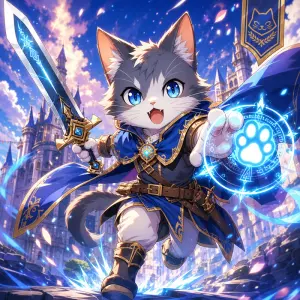
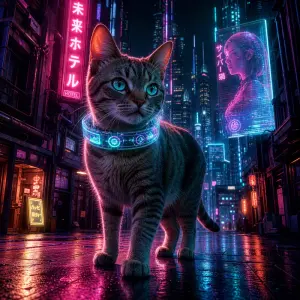
Pick a pet portrait style
Choose royal oil, business suit, studio black & white, fairy tale and more to match your pet’s personality.
Upload your pet’s photo
A single clear photo is enough. Add the owner too if you want a portrait together.
Generate and download
Get a 4-photo pack in minutes, then download avatars or keepsakes ready to print or share.
