
Step 1
Define subject and buyer
Name one subject and one buyer: "corgi pin for dog-mom Etsy shoppers" beats "cute dog pin".
Type your idea, get an enamel pin mockup with metal outlines and a limited color palette, then walk into supplier quotes with a brief instead of a sketch.
Design a Custom Pin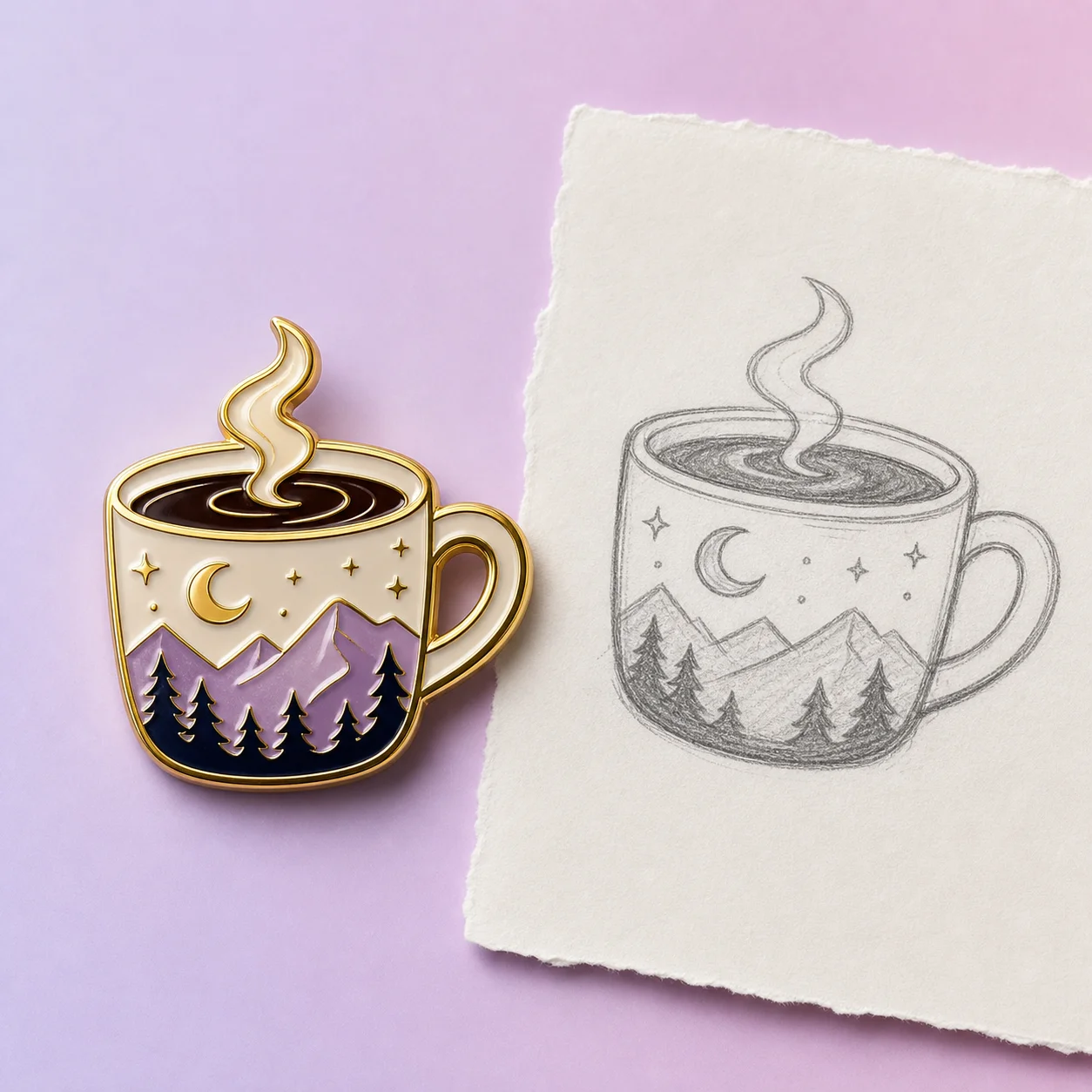
How it works
Step 1
Name one subject and one buyer: "corgi pin for dog-mom Etsy shoppers" beats "cute dog pin".
Step 2
Generate in AI Pin Maker with pin-language in the prompt: bold metal outlines, 4-5 enamel colors, glossy finish.
Step 3
Shrink the result to 32 px. If the silhouette still reads, it works as a real 1-inch pin.
Step 4
Re-roll color directions — enamel color count drives unit cost, so a 4-color winner saves real money.
Step 5
Export the keeper with notes: size, plating (gold/silver/black nickel), backing, color count.
Step 6
Not sure where to start? Remix something from pin templates.
Why use it
Validating a design before a 100-piece minimum order — mock it in the pin studio, gauge reactions, then commit.
Turning a logo or mascot into event giveaways; pin templates hold layouts that already survived production.
Translating illustration styles into enamel constraints — start loose in text to image, then tighten in the pin studio.
Who need a wedding, con, or club badge concept tonight, not after three email rounds with a designer.
FAQ
Designing and previewing is free with no sign-up. High-resolution exports for manufacturing live on the pricing page. There's no minimum to design — minimums only exist when a factory gets involved.
Yes — that's the point. A clear mockup with size, plating, and color-count notes is exactly what suppliers quote fastest. You own the artwork; the factory handles molds and metal.
The pin studio routes through GPT Image 2 by default, with Seedream 4.5 and Gemini image routes for alternative styles — all inside the AI Pin Maker workspace.
A strong silhouette, bold outlines that become metal walls, 4-6 flat colors, and no gradient-dependent detail. If it reads at 32 px on your screen, it reads on a jacket.
Soft enamel is cheaper and shows raised metal texture; hard enamel is smooth, durable, and reads premium. Generate the same design in both finish directions and compare before quoting.
Yes — reuse the same artwork through the AI Sticker Generator for die-cut stickers, and prompt a backing-card layout in text to image.
Keep Exploring