
Step 1
Step 1
Define the audience, use case, pin size, and attachment context
Plan lapel pin concepts with readable silhouettes, metal outlines, enamel fills, backing options, and supplier notes for custom pin production.
Design Lapel Pins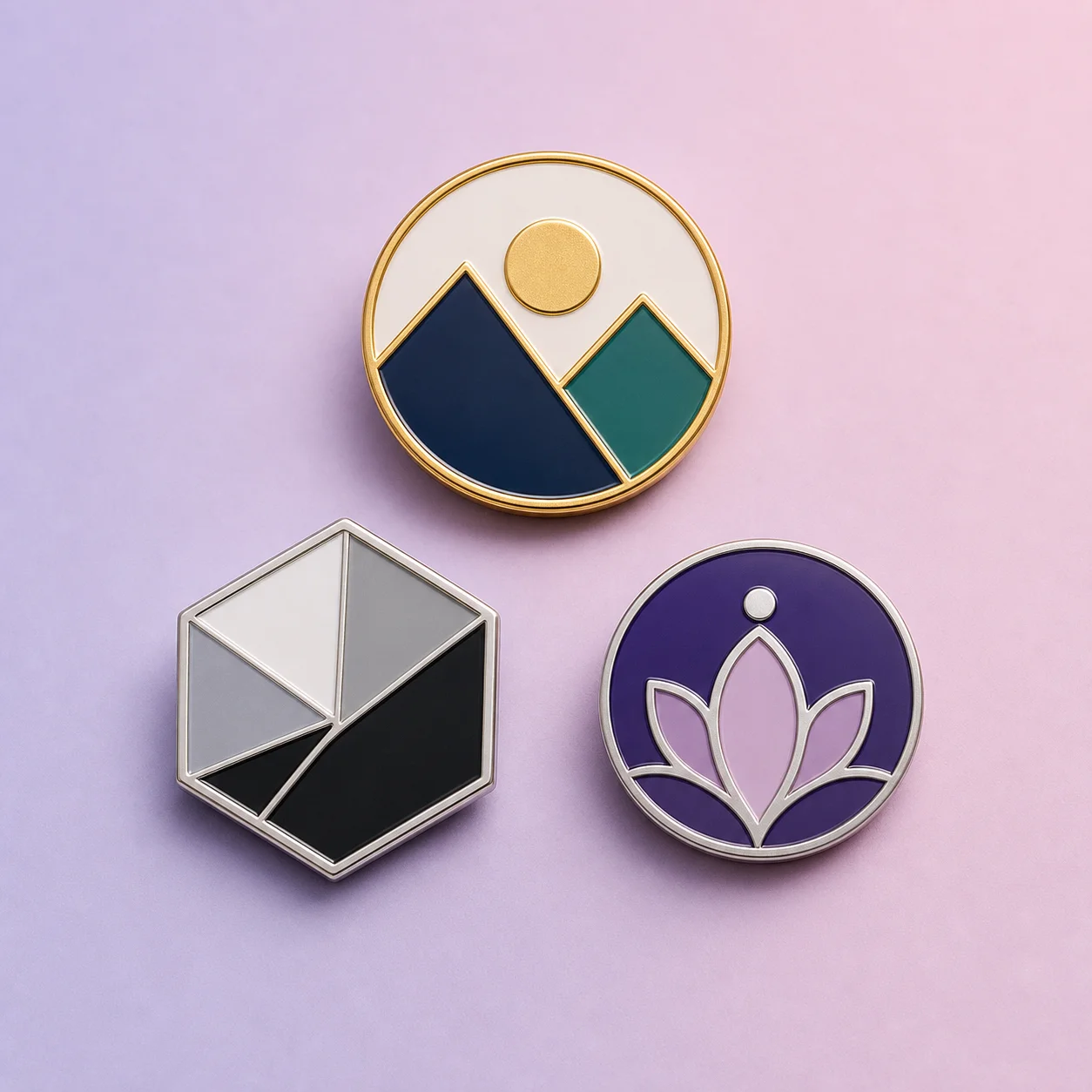
How it works
Step 1
Define the audience, use case, pin size, and attachment context
Step 2
Generate lapel pin concepts with simple silhouettes and strong metal borders
Step 3
Check small-size readability, color count, finish, backing card, and wear context
Step 4
Export the strongest design direction with manufacturer notes and revision questions
Why use it
FAQ
A good prompt names the subject, lapel pin shape, metal finish, enamel style, color count, and the place where the pin will be worn or sold.
Yes. Lapel pins need stronger small-size readability, clean outlines, attachment planning, and finish notes because the final object is worn or handled.
Yes. Use it to explore concepts and mockups, then have final vector artwork reviewed by a designer or manufacturer before production.