
Step 1
Choose the route
photo in hand → image to video; concept only → text to video.
Animate any still into a short loop — the filmstrip above shows the idea: one photo in, a motion sequence out, loop-ready for chat and social.
Animate a Photo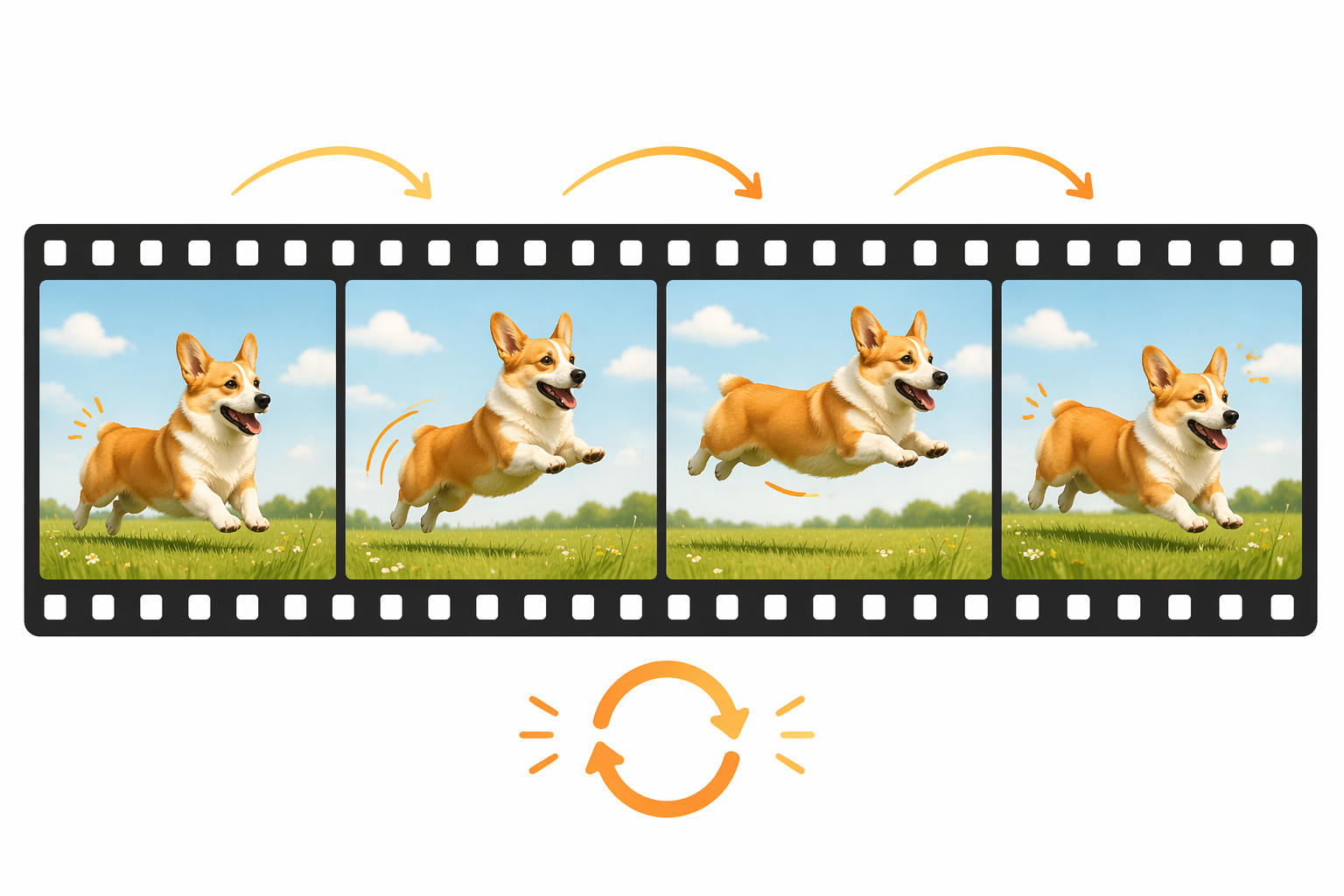
How it works
Step 1
photo in hand → image to video; concept only → text to video.
Step 2
the still already defines how things look.
Step 3
sway, blink, drift, shimmer; avoid walk-aways and zooms.
Step 4
GIF file size grows fast and chat platforms cap uploads.
Step 5
most platforms autoplay it like a GIF at a fraction of the size.
Why use it
A GIF is just a short video that loops well — and that's exactly what image-to-video models produce from one still. Upload a photo to image to video, describe only the motion ("tail wags, ears bounce, camera static"), and the model outputs a 5-second clip that converts straight to GIF. No camera, no actor doing the same motion twenty times. For reactions and memes with no source photo, start from words instead: text to video handles "a cat slowly sliding off a couch, deadpan" in one prompt. The loop discipline matters more than the subject — motions that end near their starting pose loop seamlessly; one-way motions visibly jump.
FAQ
First previews are free with no sign-up. Longer clips and watermark-free exports are on the pricing page.
Yes — that's the core trick. Image to video animates a single still; you describe the motion and the model invents the in-between frames.
Prompt for motions that return to the start: swaying, breathing, blinking, flickering. Cyclic motion loops invisibly; directional motion (walking off-frame) shows a hard cut.
Generate mp4, then decide. Most platforms autoplay short mp4s exactly like GIFs at one-tenth the file size; convert to actual .gif only where the platform demands it.
Kling v3, Seedance 2.0 and Veo routes all run behind the video workspace — same prompt, switchable models, pick the best motion.
Yes — upload the design and ask for shimmer, float or parallax drift. Keep it subtle: aggressive motion on logos reads as glitch, not polish.
Keep Exploring