Kling v3 Video Generator — Cinematic Camera Language, In the Browser
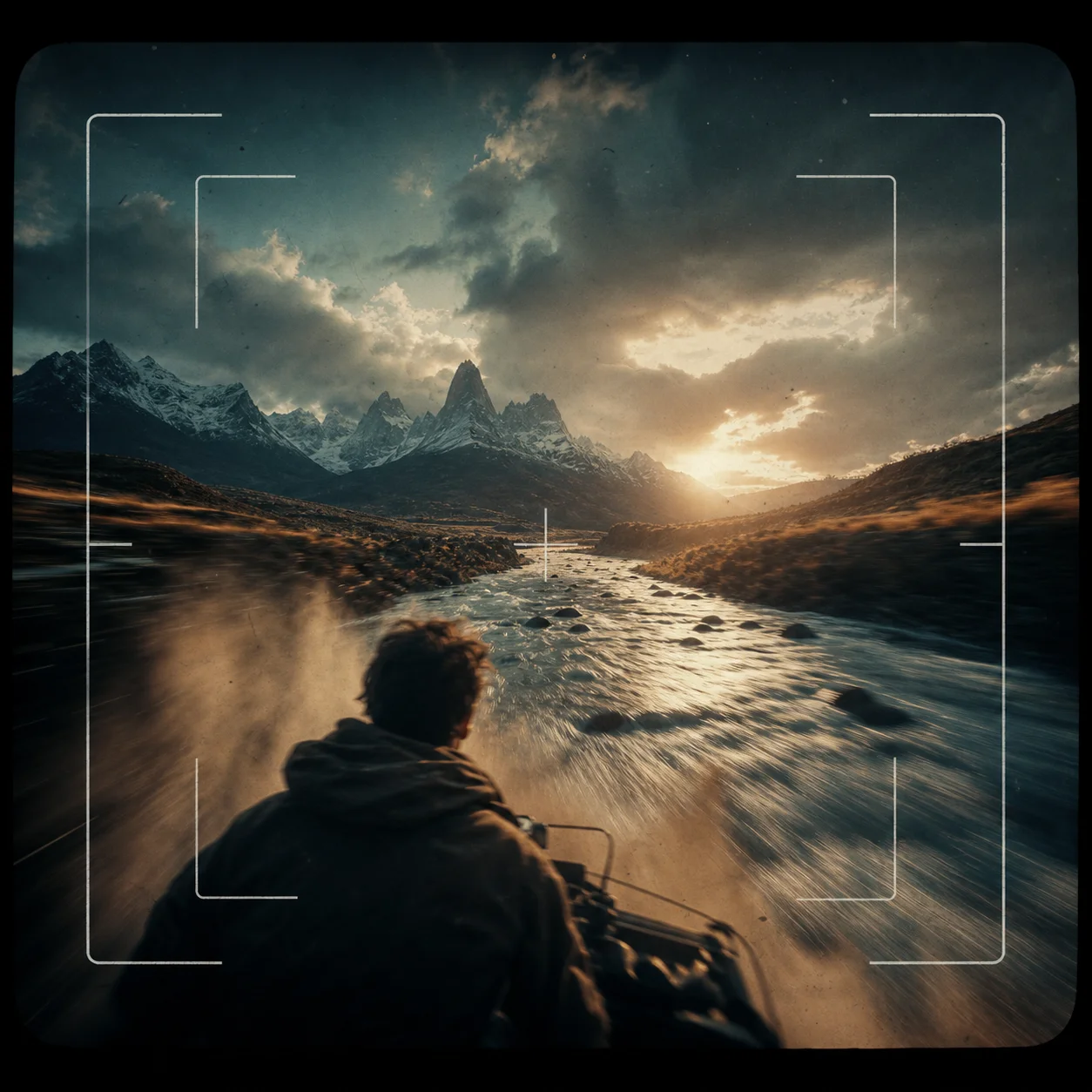
Run Kling v3 text-to-video and image-to-video from the browser — the demo above is a raw Kling v3 output generated through this exact route.
How to use kling v3 video generator
Turn kling v3 video generator research into a reviewed creative brief, choose the right model route, and keep the generation path attached to your project before spending credits.
Generate cinematic text-to-video with Kling's camera movement strengths
Animate a still image through Kling's image-to-video route
Compare Kling v3 against Seedance, Veo, and Wan on the same prompt
Understand Kling's std vs pro modes and duration options before spending credits
kling v3 video generator workflow steps
-
1. Open text to video and pick the Kling v3 route from the model list.
-
2. Write the shot like a director: name the camera move first, subject second.
-
3. Start in std mode at 5 seconds — iterate cheap, then re-render the winner in pro.
-
4. For image-to-video, upload up to 2 reference stills and describe only the motion.
-
5. Compare the same prompt on Seedance or Veo routes before committing to a final — switching models takes one click, no re-prompting.
Generate the first clip from this workflow in the AI Pin Maker studio — try it free, no account needed.
Kling v3 at a Glance
| Spec | Value |
|---|---|
| Max duration | 15 seconds per generation |
| Modes | std (faster) / pro (higher fidelity) |
| Inputs | Text prompt, or up to 2 reference images |
| Aspect ratios | 16:9, 9:16, 1:1 |
What Kling v3 is best at
Every video model has a personality, and Kling's is camera language — dolly-ins, orbits, drone passes, and rack focus that feel directed rather than generated. The mountain-valley demo above is a raw Kling v3 output from one prompt through this exact route: no app install, no separate account, straight from the text to video workspace.
That makes Kling the route to reach for when the shot matters more than the subject: product reveals, landscape moods, title-sequence energy. For character consistency from a still, pair it with image to video and feed it your approved frame.
Prompt patterns that play to Kling's strengths
- Reveal: `slow dolly-in through morning fog revealing a mountain cabin, cinematic depth of field`
- Orbit: `smooth 180-degree orbit around a ceramic vase on a wooden table, soft window light`
- Drone: `aerial drone shot following a river through a canyon at golden hour, epic scale`
- Mood: `rain on a city window at night, neon reflections, static camera, melancholic atmosphere`
Kling v3 vs the other routes here
| Route | Reach for it when |
|---|---|
| Kling v3 | The camera move is the star — reveals, orbits, cinematic landscapes |
| Seedance 2.0 / Fast | Fast iteration and general-purpose scenes |
| Veo 3.x | Photoreal physics and natural motion |
| Wan 2.6 i2v | Stylized and anime-leaning animation |
Same prompt, one click to switch — that's the practical advantage of a multi-model workspace over any single-model app.
Related pages
- Text to Video Generator for the capability hub.
- AI Image to Video Generator for the still-first workflow.
- AI Video Generator for the full video toolkit.
- AI Hug Video Generator for a popular Kling-powered use case.
Common questions
Is Kling v3 free to use here?
First previews are free and no app or separate Kuaishou account is needed. Longer durations, pro mode, and watermark-free exports are on the pricing page.
What's the difference between std and pro mode?
Std renders faster and costs less — right for iteration. Pro spends more compute on fidelity and motion coherence — right for the final take. Draft in std, finish in pro.
Can Kling v3 do image to video?
Yes — upload up to 2 reference images in image to video and describe the motion. Your stills anchor composition and identity while Kling adds the camera work.
How long can a Kling v3 video be?
Up to 15 seconds per generation in this workspace. For longer pieces, generate scene by scene and cut together — multi-shot prompts also work for in-clip transitions.
Which AI models power this video workspace?
Kling v3 runs alongside Seedance 2.0, Veo 3.x, and Wan 2.6 routes — all behind the AI Pin Maker model router, switchable without re-prompting.
Why use this instead of the official Kling app?
Browser access with no install, no region account, plus side-by-side comparison against other top video models on the same prompt — pick the best output, not the only output.