
Step 1
Choose your starting point
Start from a selfie in image to image for likeness, or pure prompt in text to image for an invented persona.
Same face, six art directions. Pick the style that fits your servers, generate a few variants, crop to circle — done.
Create Your Avatar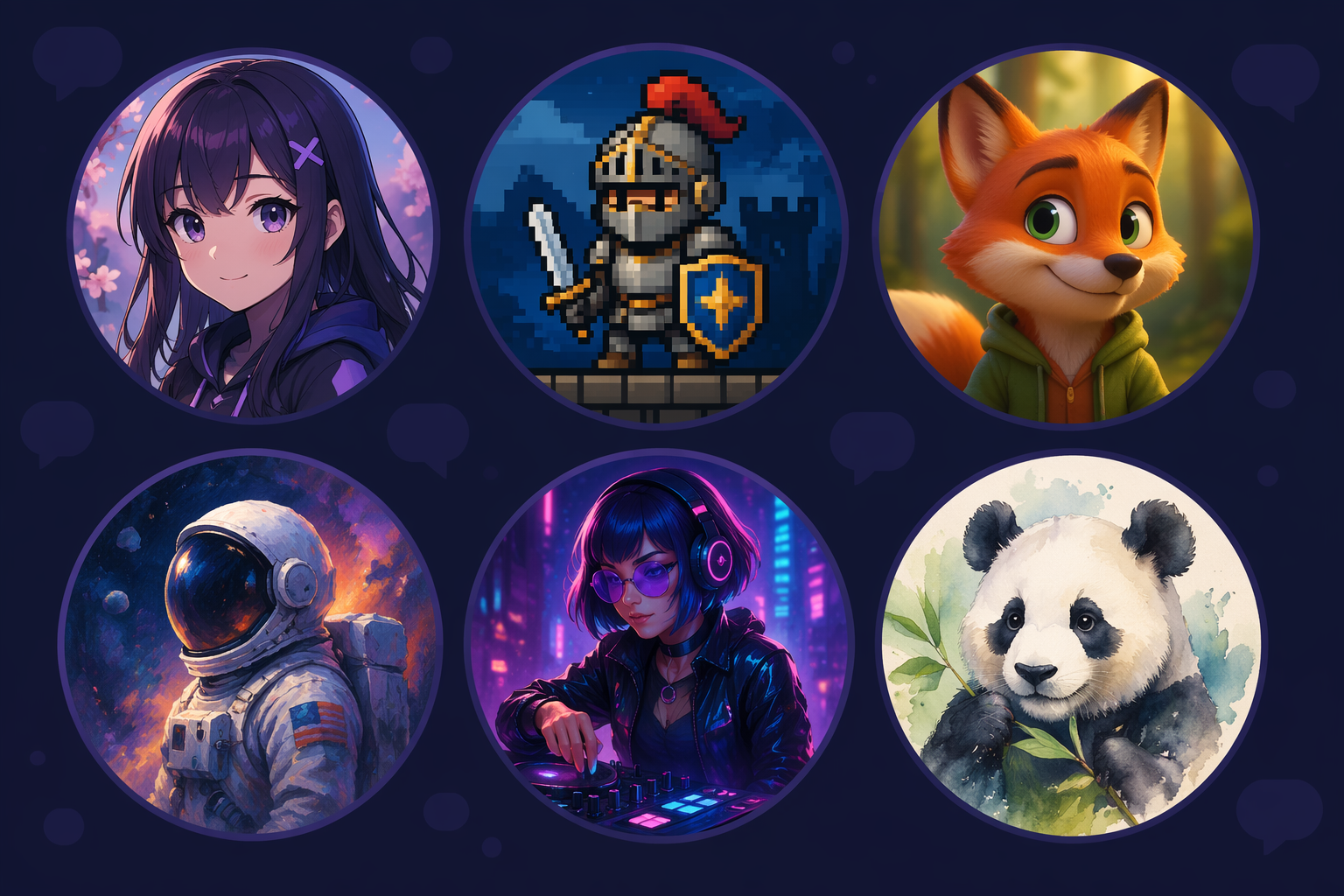
How it works
Step 1
Start from a selfie in image to image for likeness, or pure prompt in text to image for an invented persona.
Step 2
Specify the crop: head and shoulders, centered, simple contrasting background.
Step 3
Run the same brief across 3-4 style words instead of perfecting one render.
Step 4
Test at 32 px — the silhouette and palette should still identify you.
Step 5
Keep the source frame: the same character can become server emotes and banner art later.
Why use it
Giving the community a coherent identity — one mascot rendered per member role, or matching style avatars for the mod team.
Who want an original persona, not a cropped screenshot of someone else's art — invented characters carry zero copyright baggage, as the content policy guide explains.
Doing matching or themed sets — same style, same palette, different character each; generate all from one shared prompt template.
FAQ
First previews are free with no sign-up. High-resolution exports live on the pricing page.
Upload at 512×512 or larger; Discord scales down. Design for the small circle — clear silhouette, one focal point, background that contrasts with your subject.
Yes — upload it to image to image and prompt the style: anime portrait, soft cel shading, head and shoulders. Likeness stays, art direction changes.
Yes — lock one prompt template (style, palette, framing) and swap only the character description per person. Consistency comes from the shared template.
GPT Image 2 by default, with Seedream 4.5 and Gemini image routes for different aesthetics — switch models on the same prompt in the workspace.
Yes — keep the source frame and re-prompt it per asset: emote set for chat, wide crop for the banner, sticker sheet via the AI Sticker Generator.
Keep Exploring