
Step 1
Define bookmark scope
Define the bookmark role, audience, rights boundary, trim size, copy status, and merch-set context before prompting
Turn bookmark design intent into bookish merch boards, printable-style bookmark concepts, enamel pin companions, sticker-sheet accents, product stills, and reveal-ready assets.
Create a Bookmark Pin Set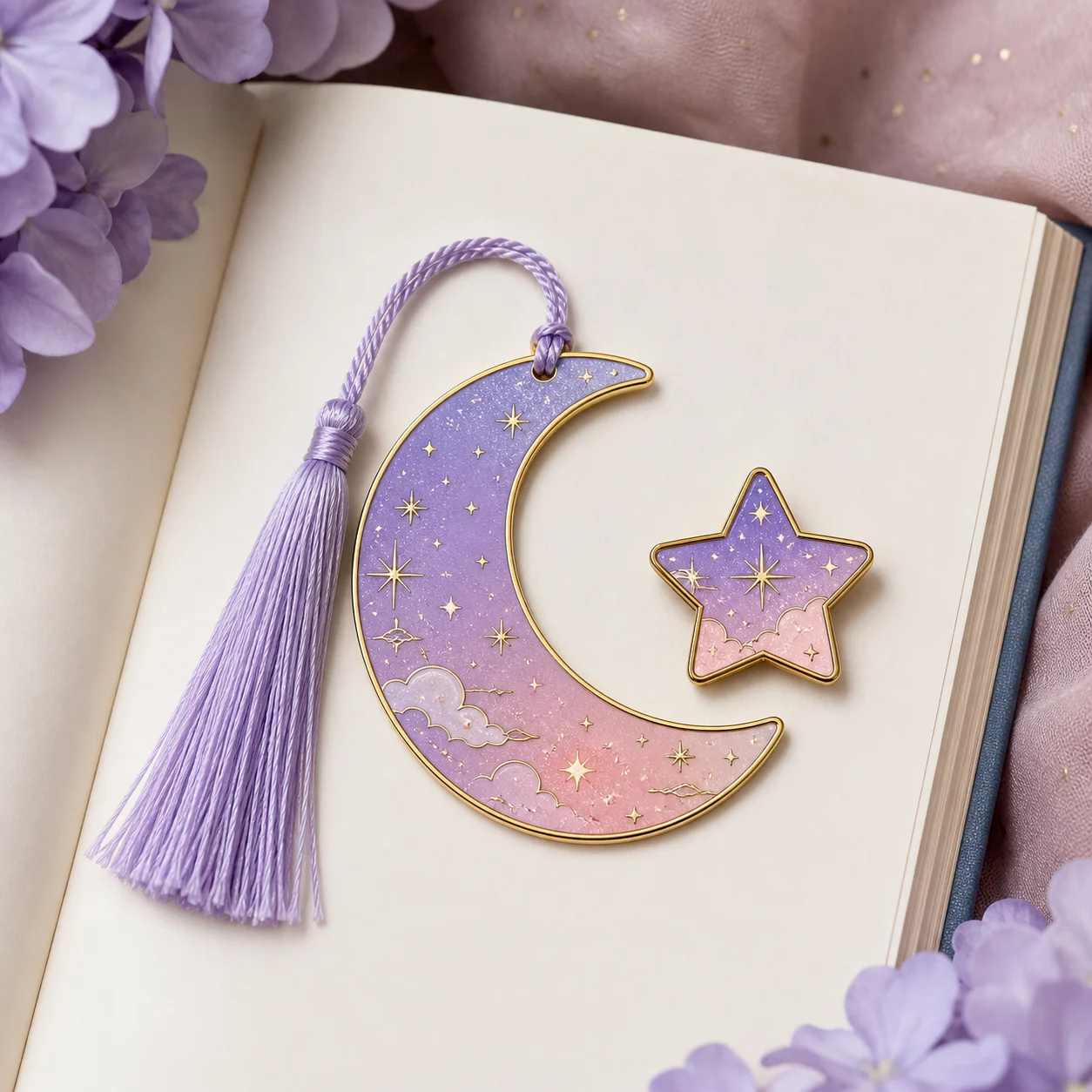
How it works
Step 1
Define the bookmark role, audience, rights boundary, trim size, copy status, and merch-set context before prompting
Step 2
Generate a clean focal illustration, vertical composition, limited color palette, and quiet area for editable copy
Step 3
Compare the bookmark face with an enamel pin companion, sticker-sheet accent, backing-card insert, product still, and reveal source frame
Step 4
Keep paper finish, tassel notes, print method, quote rights, supplier notes, inventory language, and launch copy editable outside the generated image
Step 5
Move to image to video only after the still bookmark and pin companion are approved for a reveal or product-card loop
Why use it
FAQ
It is a process for turning bookmark search intent into compact merch assets: bookmark concepts, enamel pin companions, sticker-sheet accents, backing-card inserts, product stills, and optional reveal source frames.
No. AI Pin Maker supports visual generation and pin concept planning. Use dedicated printers, rights review, color proofing, pricing tools, and shipping systems for physical bookmark, sticker, badge, or pin production.
Check whether the focal art is original, the vertical layout is clear, text remains readable, the pin companion still works at small size, and all production facts remain editable. Do not copy published art, protected IP cues, third-party layouts, shop previews, or quoted text without review.
Use AI Pin Maker when the bookmark motif should become a badge or enamel pin, text to image for bookmark boards and product stills, and image to video after an approved still is ready for a reveal.