
Step 1
Define scope and boundaries
Define the event asset role, audience, ticket shape, badge object, text limit, rights boundary, and admission boundary
Turn ai ticket maker intent into event ticket cards, collector stubs, wristband-inspired badge layouts, VIP pass visuals, backing-card inserts, product stills, and reveal-ready assets.
Create an Event Badge Pin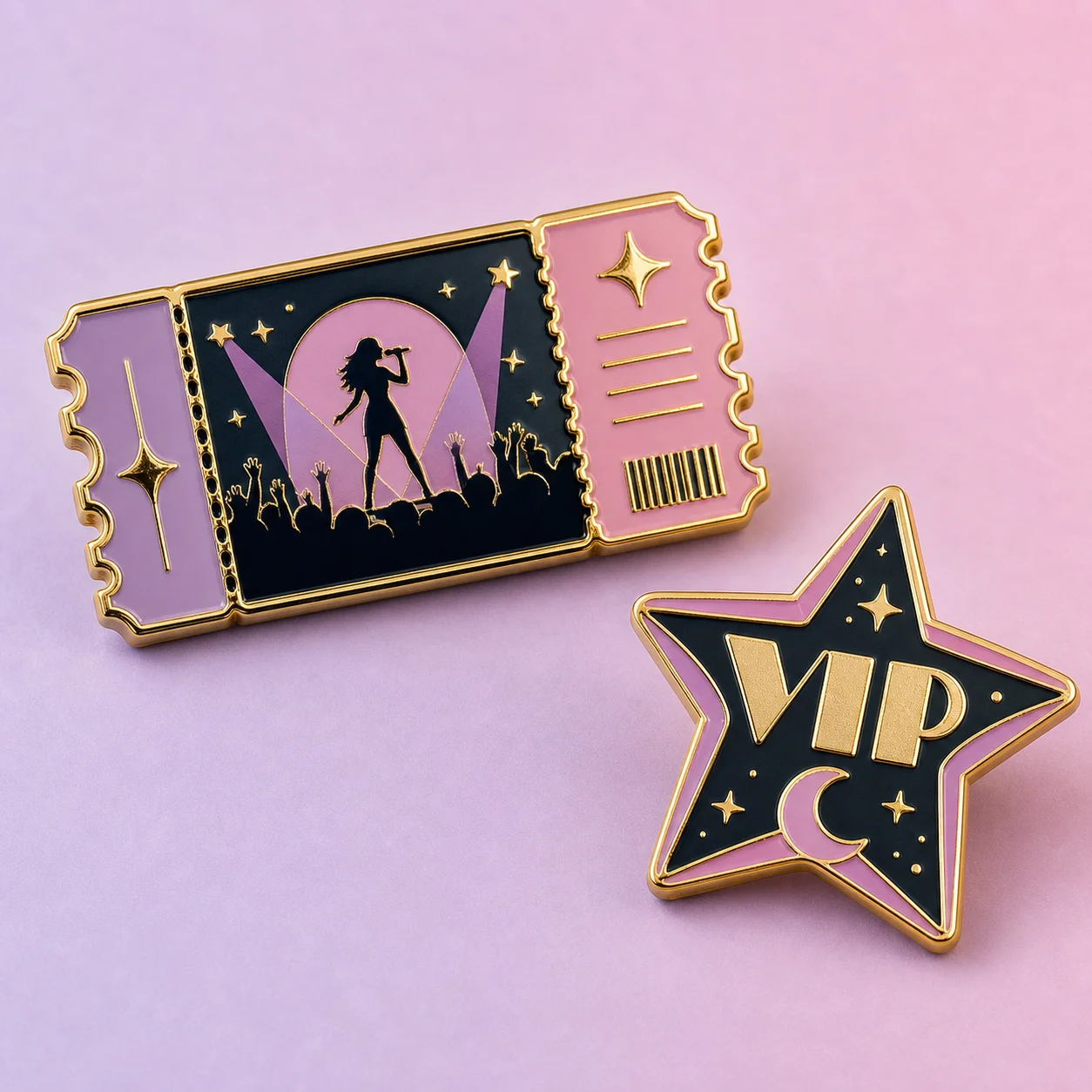
How it works
Step 1
Define the event asset role, audience, ticket shape, badge object, text limit, rights boundary, and admission boundary
Step 2
Generate a ticket-style card with readable hierarchy, original icon, strong border, and editable copy area
Step 3
Compare event badge faces, collectible stub concepts, enamel pin previews, wristband-inspired strips, backing-card inserts, product stills, and reveal source images
Step 4
Keep dates, venues, access claims, QR areas, seat details, prices, redemption rules, and fulfillment details editable outside the generated image
Step 5
Use image-to-video only after the still ticket or badge asset is approved for a reveal or campaign clip
Why use it
FAQ
It is a visual planning workflow for event ticket cards, collector stubs, VIP pass concepts, wristband-inspired badge layouts, enamel pin concepts, backing-card inserts, product stills, and reveal source images.
No. AI Pin Maker creates visual assets for badge and pin workflows. It does not sell tickets, validate admission, verify wristbands, manage secondary transfers, price access, or replace an event platform.
Review dates, venues, names, logos, QR areas, seat numbers, access claims, prices, redemption rules, rights boundaries, and legal copy in a human-reviewed system before final use.
Start with AI Pin Maker when the ticket visual needs a badge or enamel pin. Use text to image for ticket card art and product stills, then image to video only after the still asset is approved.