
Step 1
Name the style first
Name the style first: fine-line, geometric, american traditional, blackwork, watercolor.
Describe the tattoo you want — or upload a reference photo — and get clean, stencil-ready design candidates to take to your artist.
Generate a Tattoo Design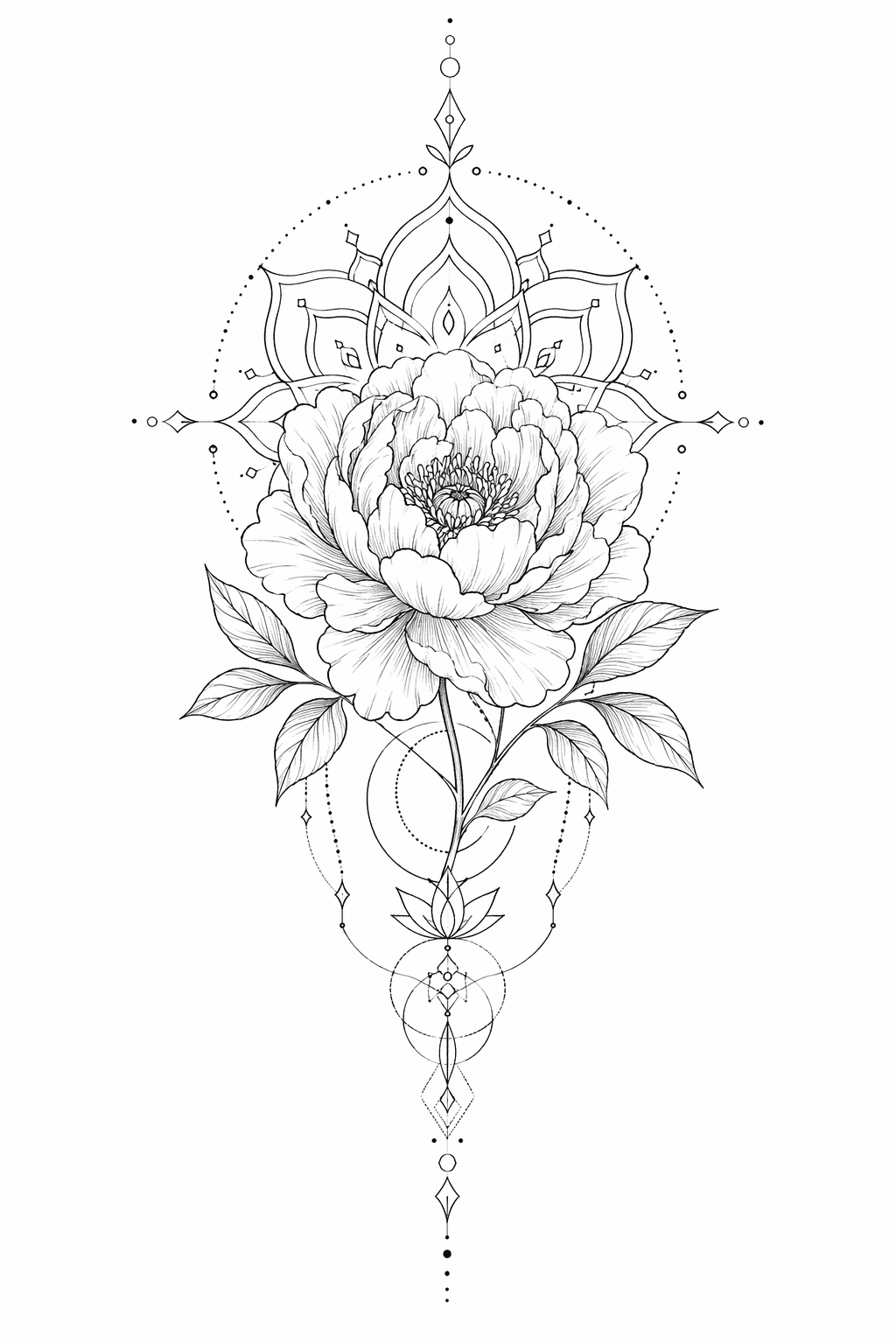
How it works
Step 1
Name the style first: fine-line, geometric, american traditional, blackwork, watercolor.
Step 2
Describe the subject and add "tattoo design, white background, clean linework, stencil-ready" to the prompt in text to image.
Step 3
For photo references, convert through image to image with the same style words.
Step 4
Generate 3-5 candidates; check how lines will hold at your intended size — thin lines blur over years.
Step 5
Bring the keeper to your artist as a reference — they'll adapt placement, scale, and skin-specific detail.
Why use it
The AI Pin Maker tattoo workflow turns a written idea into clean, original design candidates — fine-line florals, geometric mandalas, traditional flash, minimalist linework. Describe the concept in text to image and iterate until the design feels like yours; the sample above came from a single prompt. First previews are free with no sign-up — explore a dozen directions before your consultation instead of bringing one Pinterest screenshot.
Have a meaningful photo — a pet, a flower from an event, handwriting? Upload it to image to image and ask for a tattoo-style rendering to preserve the reference while making it ink-ready.
FAQ
First previews are free and no sign-up is needed to start. High-resolution exports for your artist are covered on the pricing page.
Yes — upload the reference to image to image and ask for a tattoo-style rendering in your chosen style. Pets, flowers, and handwriting convert especially well.
GPT Image 2 is the default for clean linework; Seedream 4.5 and Gemini image routes offer alternative shading styles. All routes run through the AI Pin Maker image workspace.
Most artists welcome a clear reference — it communicates style and subject better than words. Expect them to redraw and adapt it for skin, placement, and aging; that's their craft and worth paying for.
Bold enough lines, breathing room between elements, and no micro-detail that blurs as ink spreads over years. If it only reads at phone-zoom, simplify before committing.
Yes — tattoo linework translates naturally to badges and stickers. Send the design to AI Pin Maker or start from pin templates.
Keep Exploring