
Upload your music audio file
Upload the track you want to build the video around (MP3 or WAV). Optionally add scene images or write a prompt describing the visual concept — genre, mood, and color palette help guide the output.
Video tools
Create AI music videos that blend audio, images, and scene prompts into rhythmic visuals. Preview the generator while full audio sync rolls out.

Music Video
Preview a music video generator that combines audio, images, and scene prompts.
Coming soon
This workflow is listed for planning and will become runnable after model/API support is available.
How it works
Upload the track you want to build the video around (MP3 or WAV). Optionally add scene images or write a prompt describing the visual concept — genre, mood, and color palette help guide the output.
Sonic Music + Kling v3 or Veo 3 analyzes beat structure, tempo, and musical mood to drive scene transitions and visual pacing synced to the audio.
Submit the job. Synchronized music video output will be available once the audio-driven video endpoint is generally connected. Current status: preview.
Why use it
Each page maps one user job to the required video inputs and model family.
No live endpoint currently supports this exact video workflow, so generation is disabled.
Preview tools make upcoming video workflows visible before launch.
Related video tools help continue from effects into editing, music, and production workflows.
FAQ
Related tools
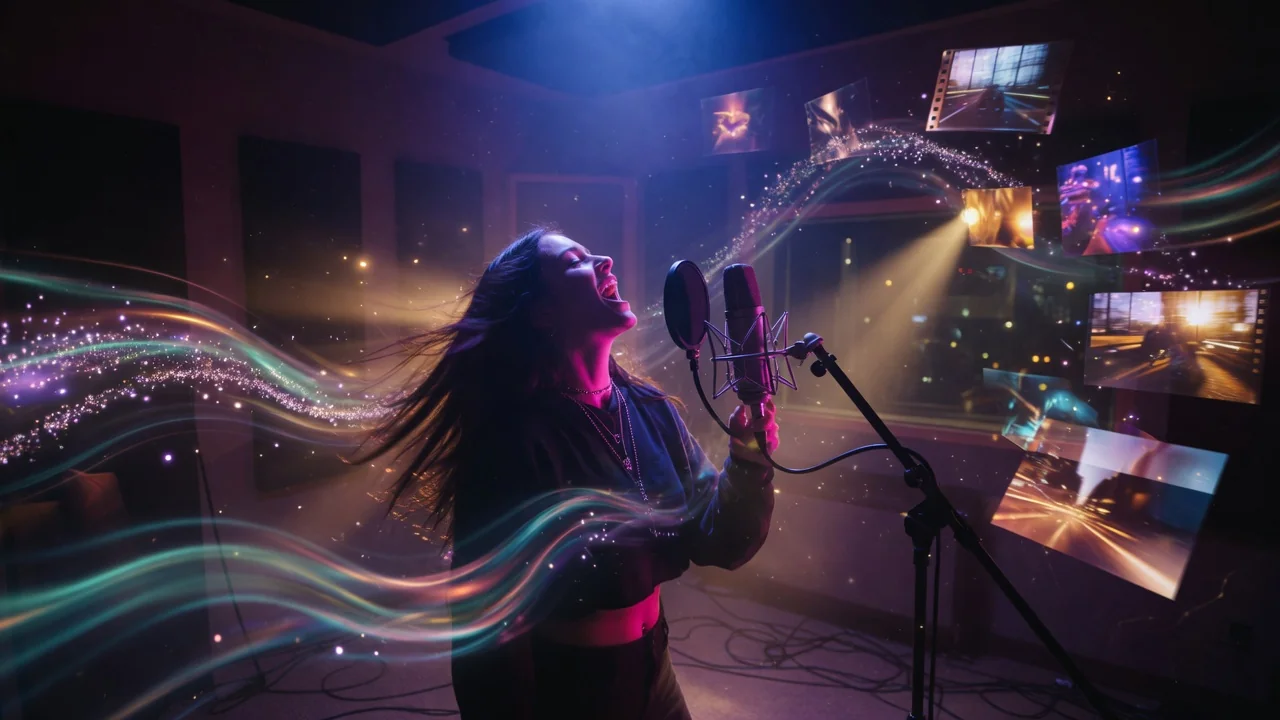
Turn audio into video with AI. Animate a portrait or scene image in sync with an uploaded track for music clips, podcasts, and lyric visuals.
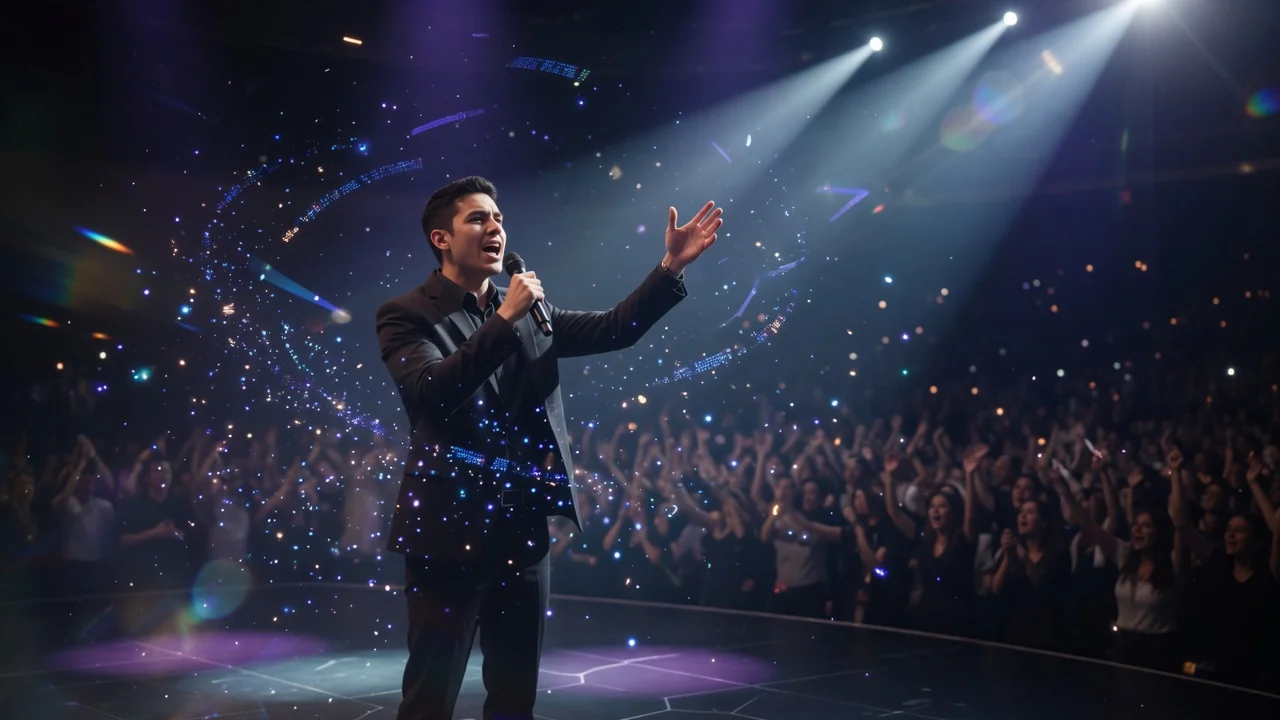
Create a talking avatar video from a portrait photo and a voice clip. AI generates natural facial animation and accurate lip sync for presenters and ads.

Turn text prompts into AI videos with full control over model, aspect ratio, duration, and camera direction. Create cinematic clips from words alone.