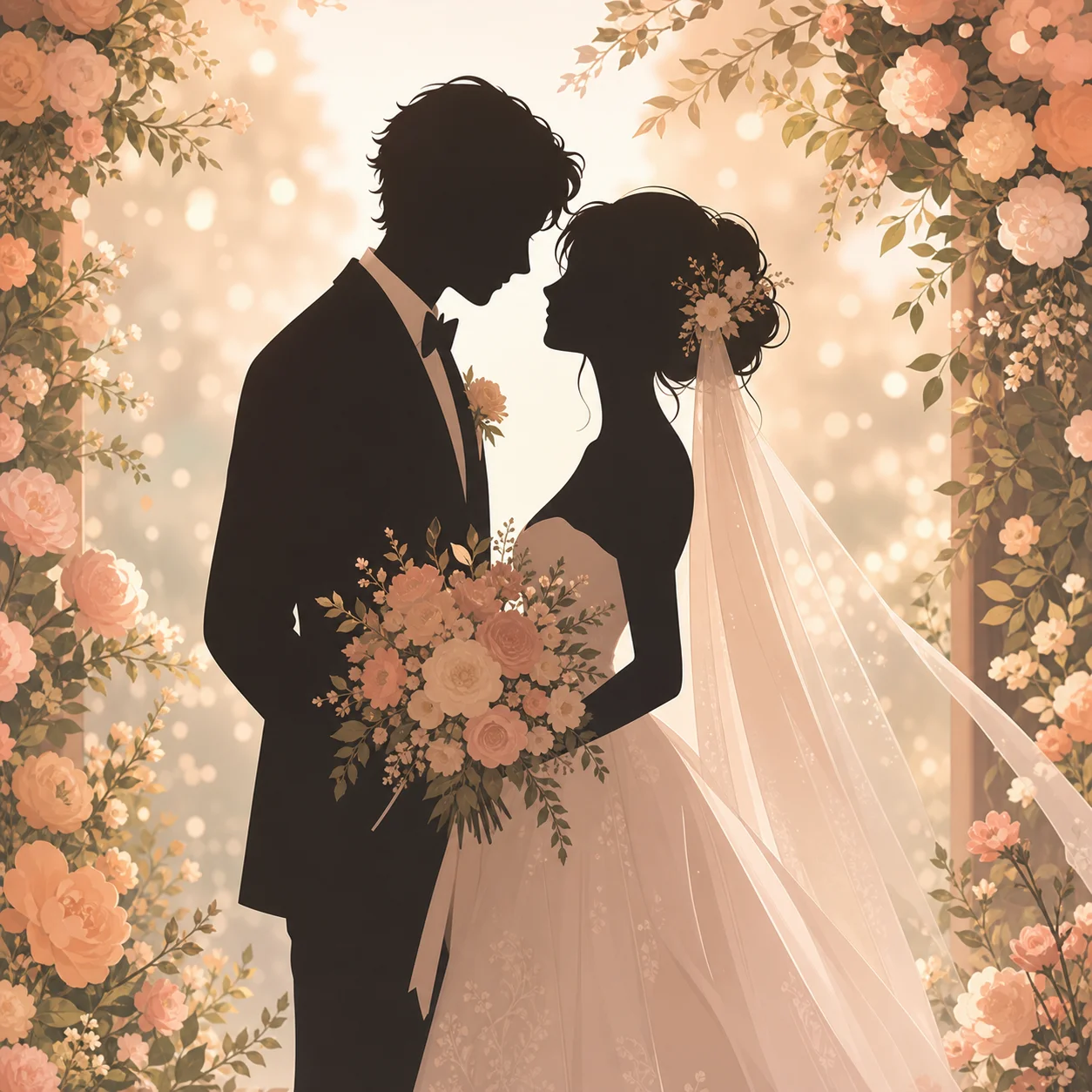
AI Kissing Video Generator for Wedding and Couple Keepsakes
Upload two photos — or one picture of a couple — and generate a tasteful, romantic kiss clip for weddings, anniversaries, and couple albums.
How to use ai kissing video generator
Turn ai kissing video generator research into a reviewed creative brief, choose the right model route, and keep the generation path attached to your project before spending credits.
Animate a wedding or engagement photo into a moving keepsake
Make an anniversary surprise clip from an old couple picture
Find a kissing video generator that is free and skips the login wall
Add music or ambient sound to a generated couple clip
ai kissing video generator workflow steps
-
1. Choose the source: one couple photo, or two separate portraits for a combined scene.
-
2. Upload to image to video and describe the kiss — style, setting, and pacing.
-
3. Anchor the mood with setting words: wedding arch, golden hour, slow dance, confetti.
-
4. Generate and check identity on both faces; sharper source photos hold likeness best.
-
5. For sound, add ambient or music notes in the prompt where the route supports audio.
-
6. Export the MP4, or pick the best frame for an anniversary keepsake in AI Pin Maker.
Generate the first clip from this workflow in the AI Pin Maker studio — try it free, no account needed.
What this kissing video generator is for
The AI Pin Maker kissing video workflow turns couple photos into a short, tasteful kiss clip — the wedding-keepsake genre, not anything else. Upload one photo of the couple, or two separate portraits, to image to video and describe the moment: a first-dance kiss, a forehead kiss at golden hour, the classic veil-and-confetti shot. The demo above was directed from a single text prompt in the same workspace; first previews are free and no login is needed to try it.
The platform keeps this genre wholesome by design — generations go through content review, which is exactly what makes the result safe to drop into the family group chat or a couple album page.
Prompt patterns for a tasteful result
- Wedding: `bride and groom share a gentle kiss under a floral arch, confetti petals drifting, golden hour, cinematic`
- Anniversary: `a tender forehead kiss, soft smiles, warm evening light, slow camera push-in`
- Engagement: `a brief celebratory kiss after the proposal, joyful, park at sunset, soft bokeh`
- Keep it brief and gentle — short, warm motion reads romantic; long sequences invite artifacts.
Who uses this
Couples animate an engagement or anniversary photo into a clip for the date-night reel, then archive it in a couple album.
Wedding planners preview the arch-and-veil moment from a styled shoot still via image to video.
Anniversary gifts start from a decades-old photo — gentle motion, warm light, instant heirloom.
Creators build romance-beat b-roll from scratch in text to video when no source photo exists.
Related pages
- AI Hug Video Generator for the family sibling of this workflow.
- AI Couple Photo Generator to create or restore the source still.
- AI Image to Video Generator for the full animate-a-still toolkit.
- Text to Video Generator when there's no source photo at all.
Common questions
Is the AI kissing video generator free without login?
First previews are free and you can try a run before creating an account. Longer clips, HD exports, and commercial use live on the pricing page.
Can it combine 2 photos into one kissing video?
Yes — upload both portraits and describe the shared scene. Routes that accept multiple reference images merge the two subjects into one frame before animating; a single couple photo is still the most reliable input.
Which AI models power the kissing video generator?
Seedance 2.0 Fast renders quick previews; Kling v3 handles cinematic camera language; Wan 2.6 i2v covers stylized looks. All routes run through the AI Pin Maker video workspace.
Can the video include sound?
Some routes support audio cues in the prompt — ambient room tone or soft music. Where audio isn't supported, export the MP4 and add a track in any editor.
Will the result stay tasteful?
Yes by design: the workflow targets wedding and couple keepsakes, and generations pass content review before export — which is what keeps the output shareable.
What source photos work best?
Sharp, well-lit, chest-up framing with both faces clearly visible. Old scans work after a pass through image to image to clean them up.