
Step 1
Describe the subject and age
Describe the subject and audience age — younger kids need bigger regions and fewer details.
Type a theme or upload a photo and get clean black-and-white line art ready to print — then simplify the strongest outline into a badge or enamel pin concept.
Generate a Coloring Page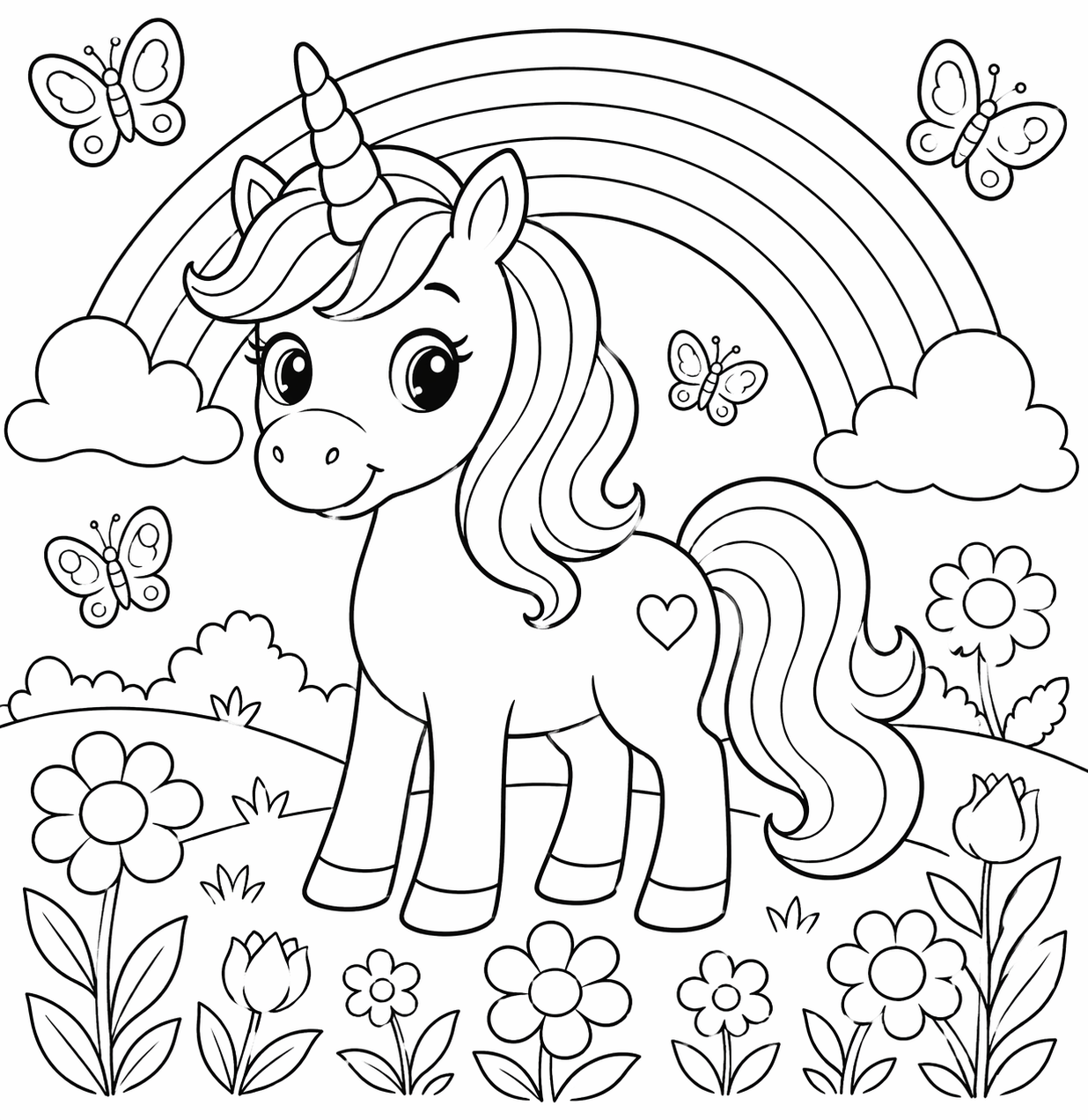
How it works
Step 1
Describe the subject and audience age — younger kids need bigger regions and fewer details.
Step 2
Add the style contract to the prompt: bold black outlines, closed regions, no shading, white background.
Step 3
Generate 2-3 candidates and pick the one whose regions are large enough for crayons.
Step 4
For photo conversion, upload the picture and request "printable coloring page line art" in image to image.
Step 5
Test-print one page at 300 DPI before producing a set — print behavior is the real acceptance test.
Step 6
Simplify the strongest outline into a badge or pin concept in AI Pin Maker.
Why use it
The AI Pin Maker coloring page workflow turns a theme — or your own photo — into clean black-and-white line art with bold closed outlines and a white background, ready for a 300 DPI print. The sample above was generated from one prompt on text to image: a unicorn with rainbow and butterflies, no shading, no color fill. Most pages render in under 30 seconds, and the first previews are free with no sign-up. Two routes by input: start from words on text to image when you want a fresh scene, or upload a photo to image to image and ask for "coloring book line art" to trace your dog, your kid's drawing, or a holiday snapshot into an outline they can color.
Coloring-page line art and enamel pin design share the same DNA: a strong outer silhouette, clean interior lines, and no detail that dies at small sizes. That makes your best page a ready-made pin source — run it through AI Pin Maker for a badge layout, or browse pin templates to see how line art translates into metal and enamel before you commit.
FAQ
The first previews are free and no sign-up is required to start. Higher resolution exports and commercial volume are covered on the pricing page.
Yes — upload the photo to image to image and ask for printable coloring book line art. Pets, family portraits, and vacation shots convert best when the subject is clear and well-lit.
The reliable contract is: bold black outlines, closed regions, no shading, no color fill, white background. For younger kids, add "simple shapes, large regions" so crayons have room to work.
GPT Image 2 is the default route for clean line art; Seedream 4.5 and Gemini image routes are available when you want a different outline style. All routes run through the AI Pin Maker image workspace.
Generated line art is original output, and commercial use is available on paid plans — see pricing for license terms before publishing a set.
A strong outer silhouette, clean interior lines, and limited tiny detail. If the page needs a full sheet to read, simplify it before making a mockup in AI Pin Maker.
Keep Exploring